Soft glam
HeraHaven: изображения
Используйте HeraHaven, чтобы разложить «премиальное личное пространство для дизайна ИИ-подруги» на персонажа, образ, сцену, камеру и формат результата, а не копировать общий шаблон ИИ-подруги.
Girlfriend lookbook
Pick a visual direction before writing the prompt.
Short motion previews and still references help users choose mood, pose, outfit, and scene without staring at an empty prompt box.
Nightlife
Kylie nightlife angle
Cozy
Veronica cozy tease
Luxury
Poppy luxury portrait
Outdoor
Grace garden mood
Vacation
Liv waterfall portrait
Portfolio ideas for your first private set
Browse polished image and video directions, then return to the generator with a clearer style, pose, and scene in mind.
Terrace
Clara terrace glow
Close-up
Alexis studio close-up
Bedroom
Zoey bedroom mood
Evening
Chloe evening black dress
Muse
Gloria outdoor muse
Portrait
Jenna clean portrait
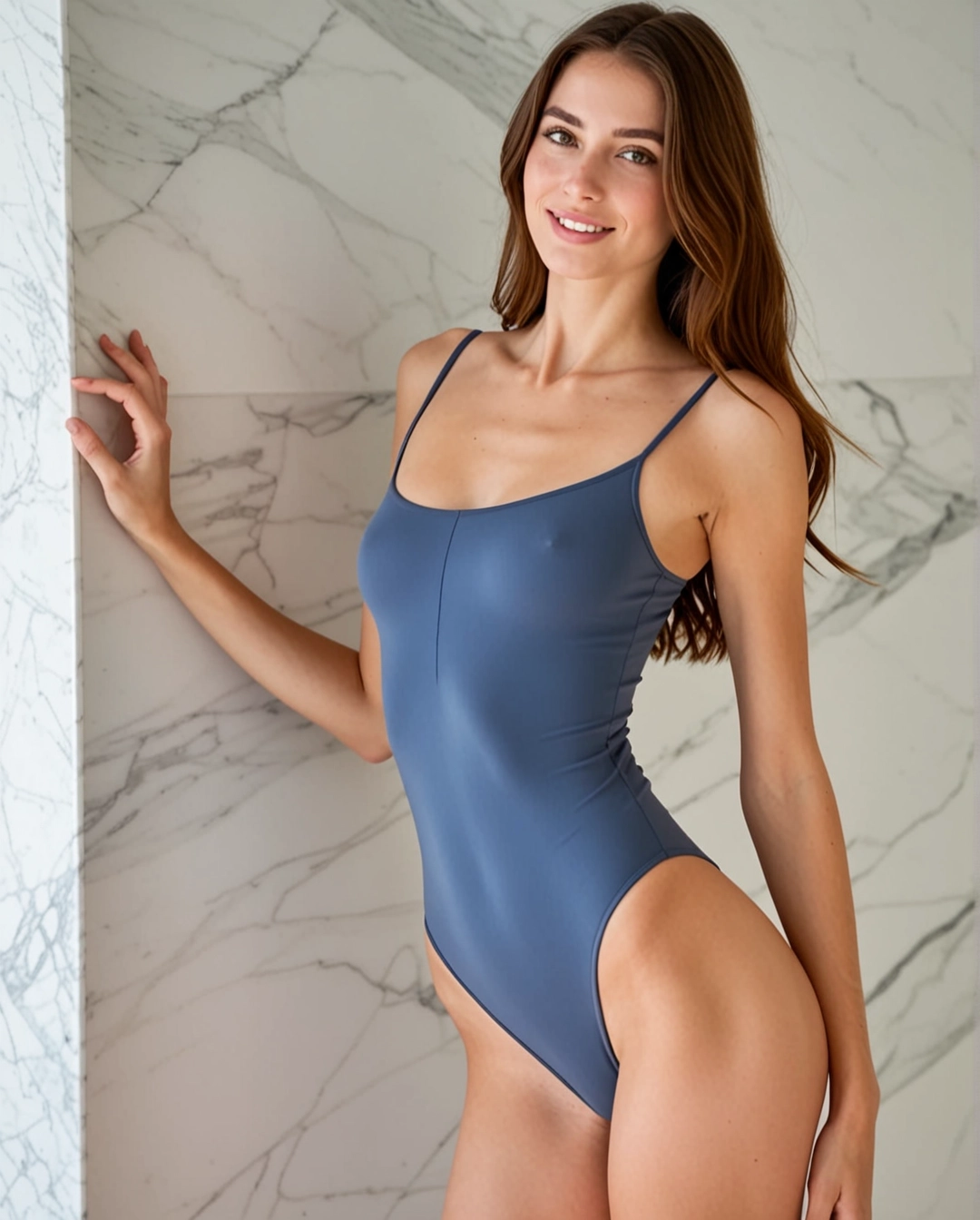
Image
Eleni vertical look
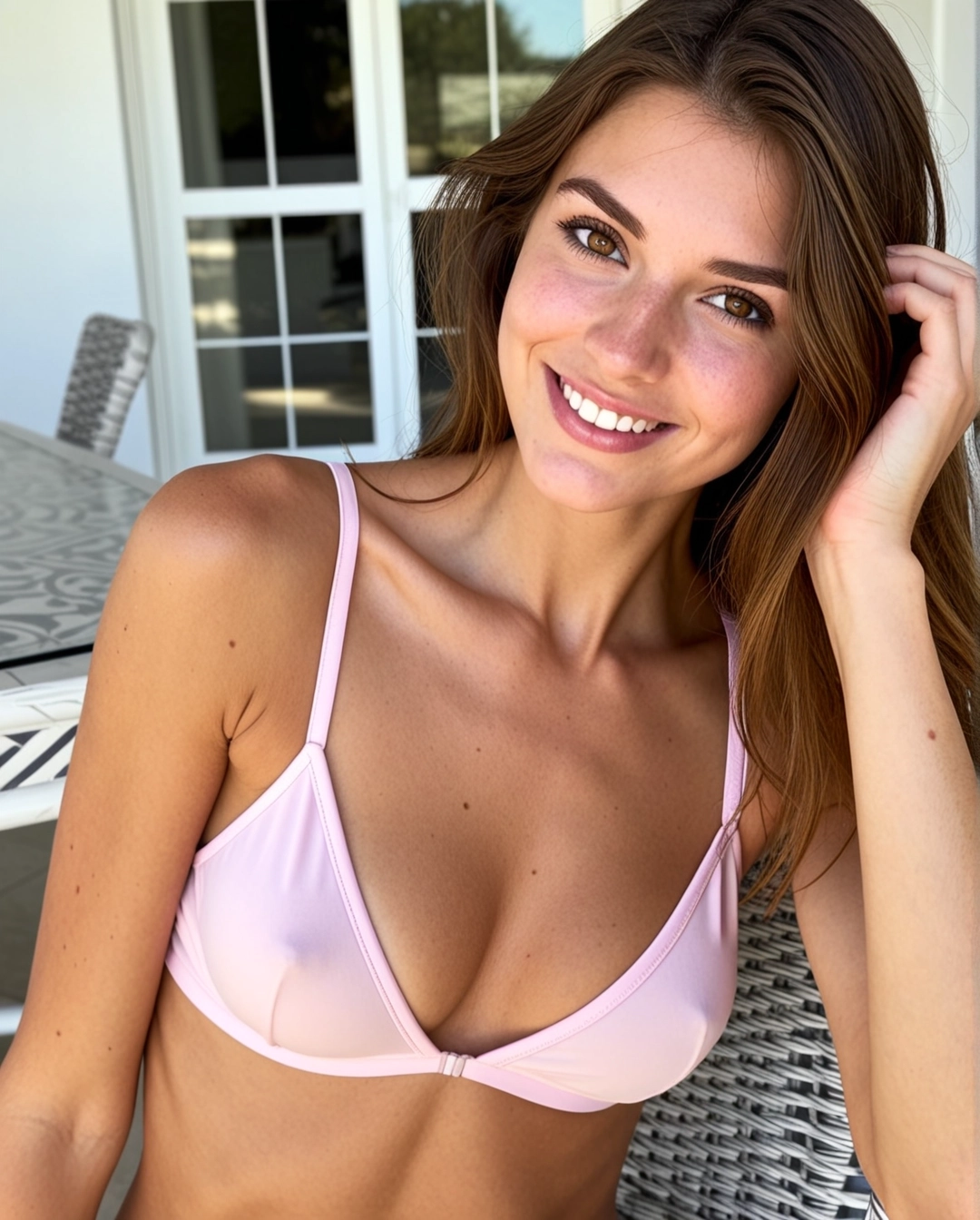
Image
Eleni private portrait
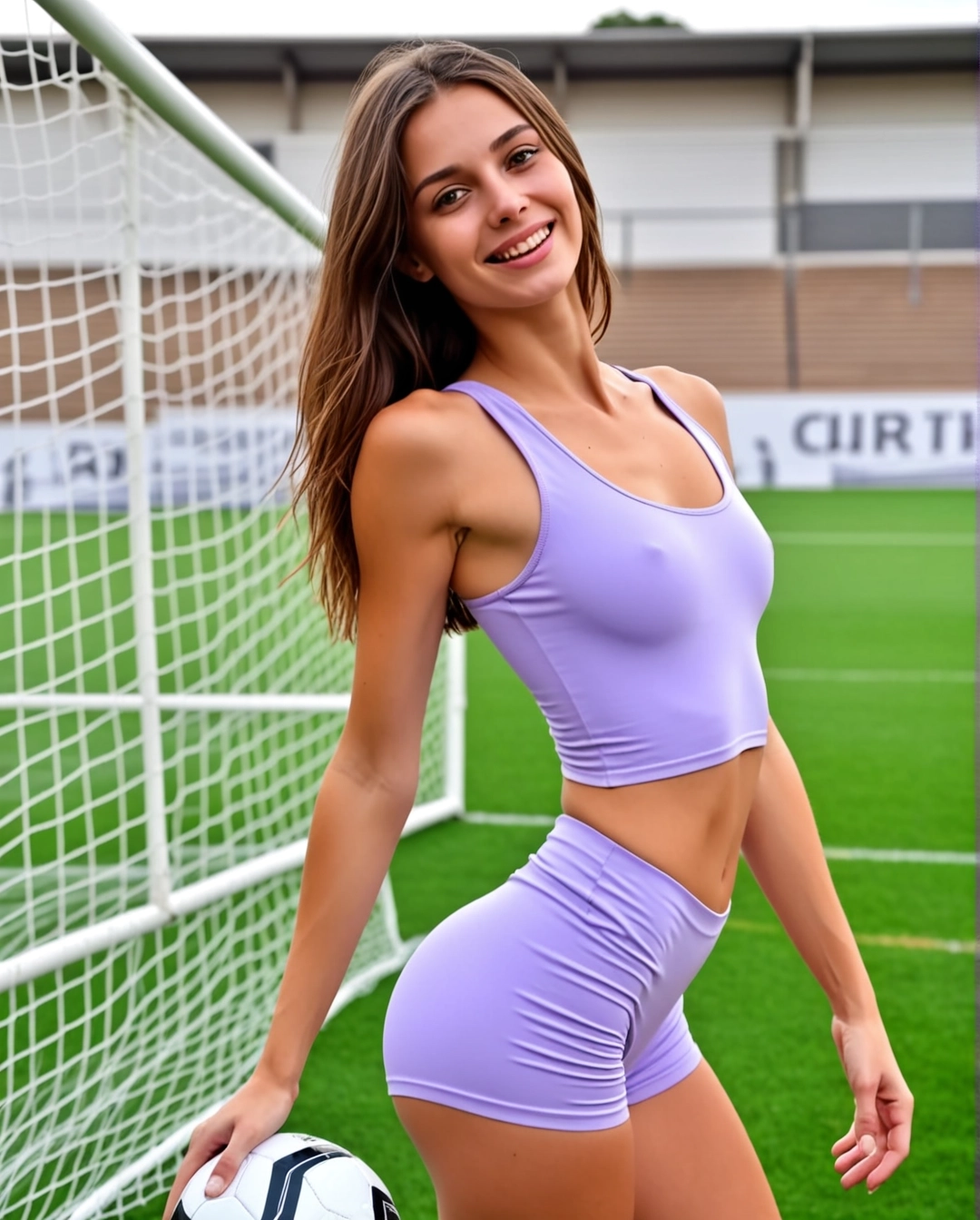
Image
Eleni close-up light
Image
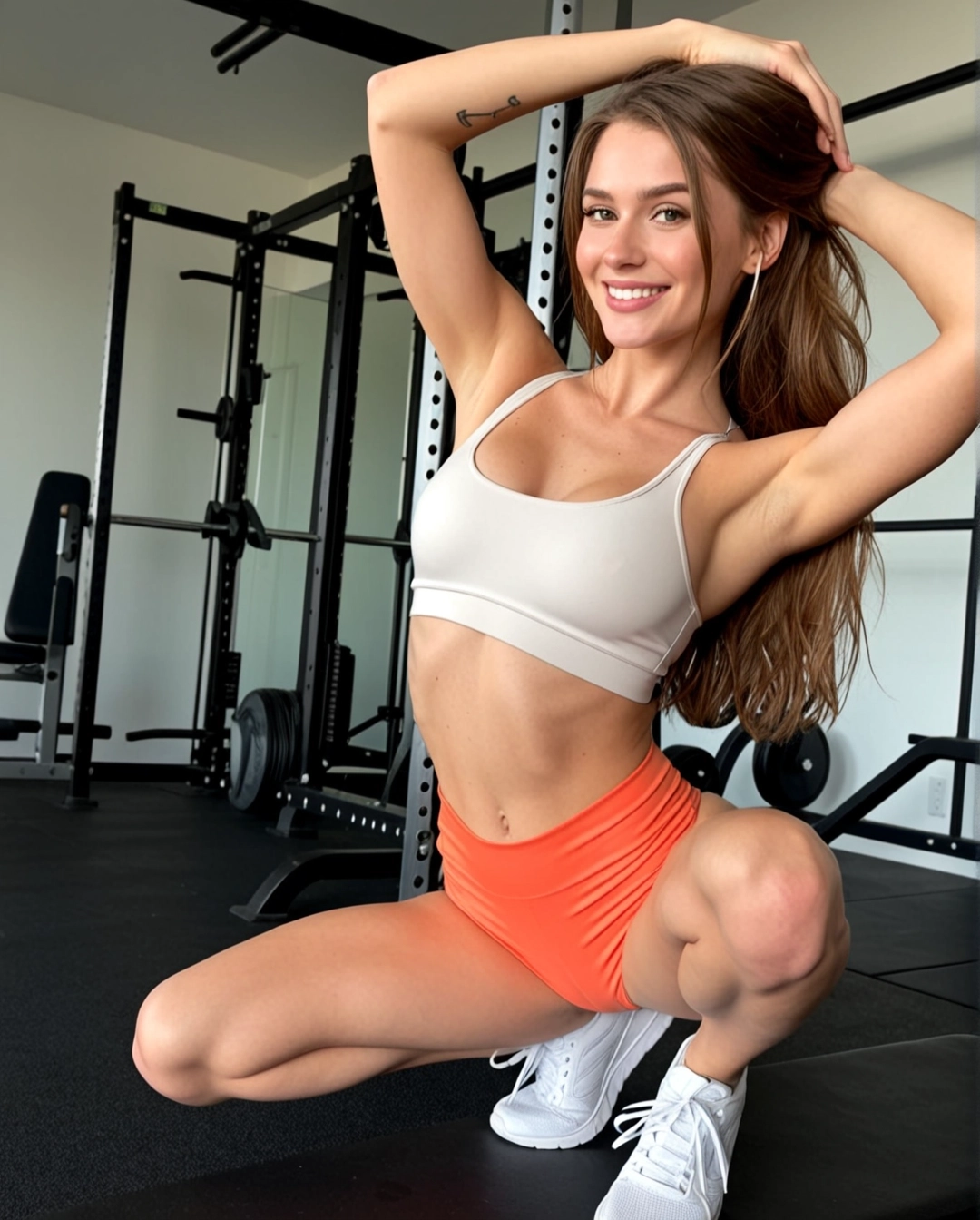
Eleni seated mood
Image
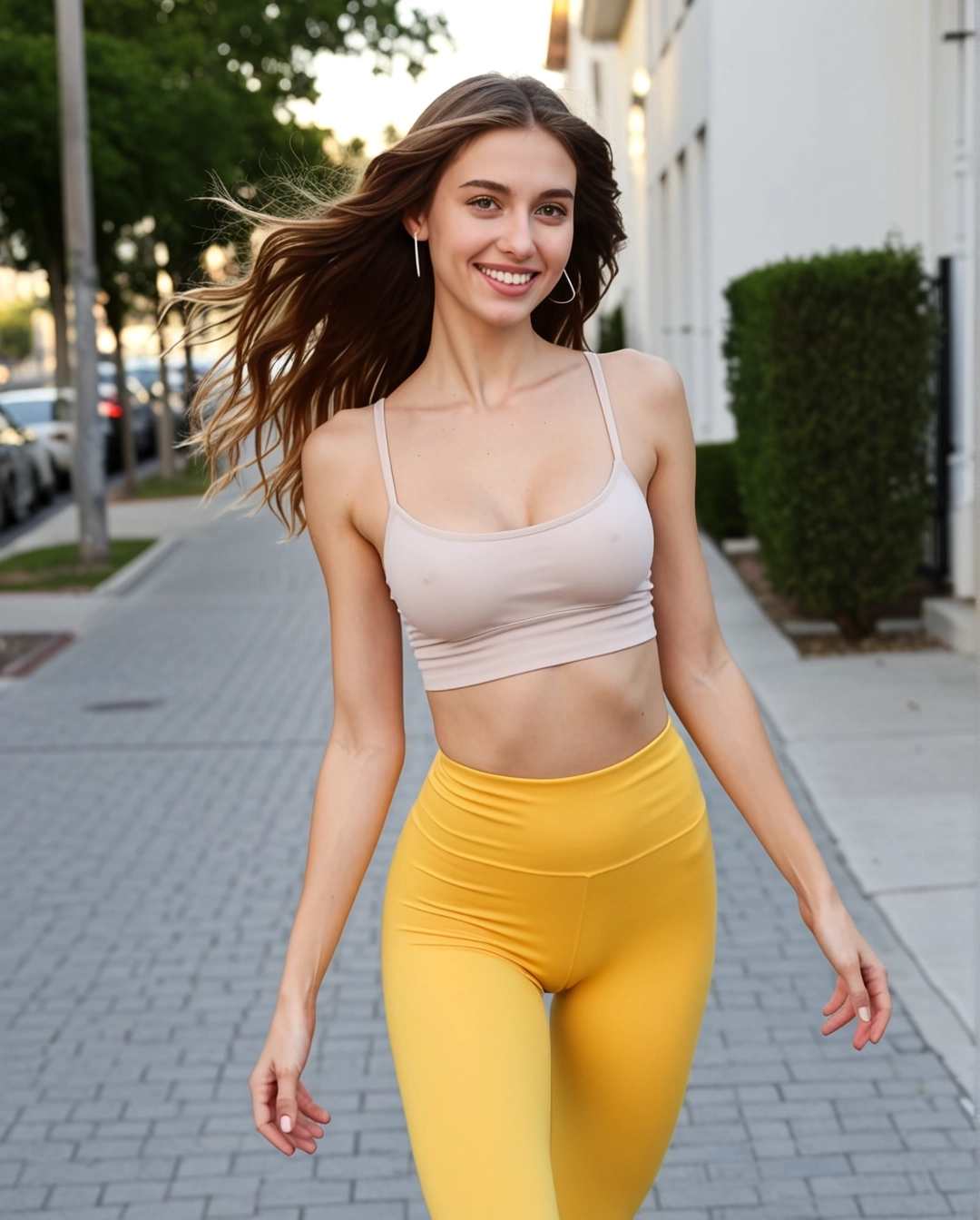
Eleni playful still
Image
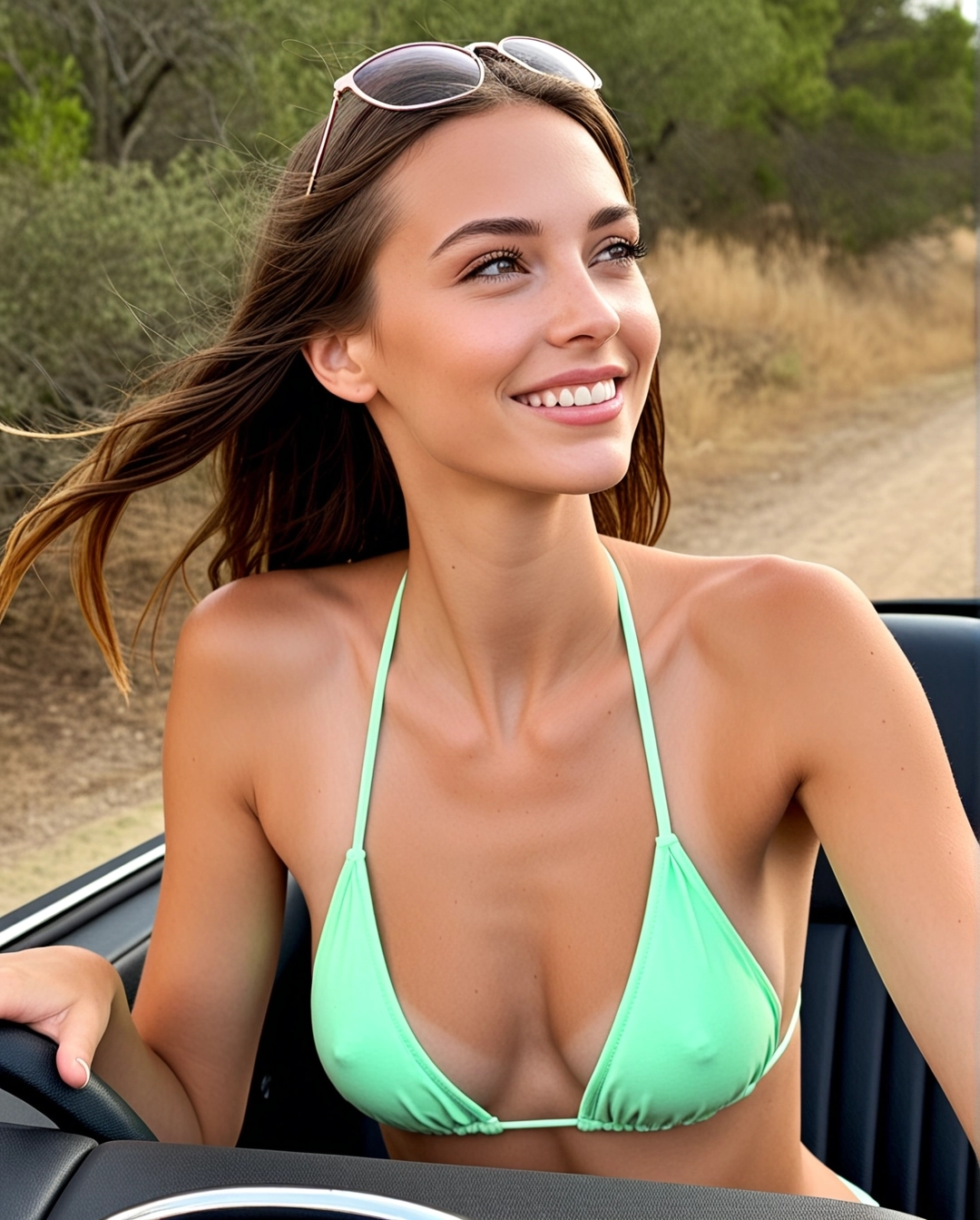
Eleni vacation frame
Image
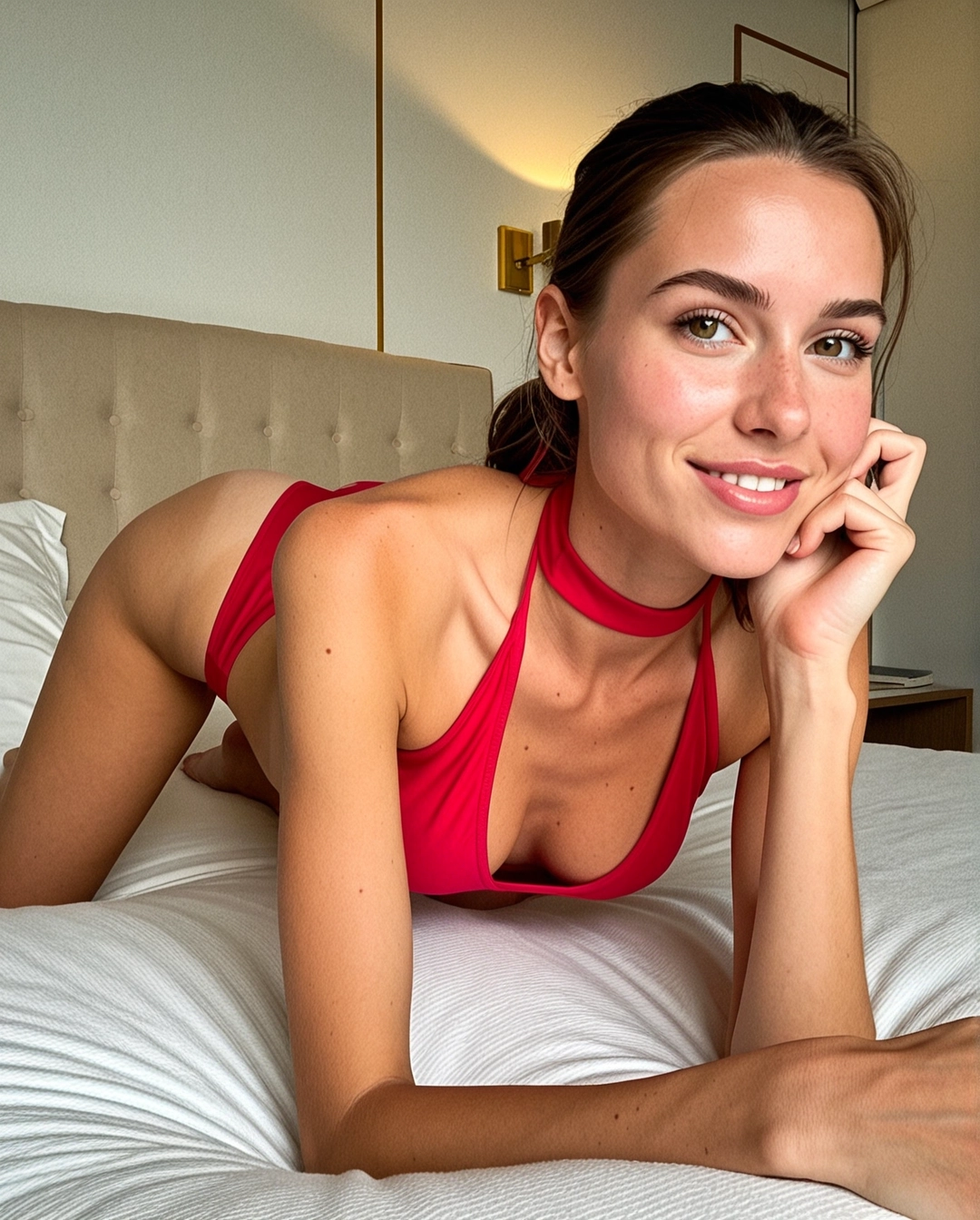
Eleni bedroom direction
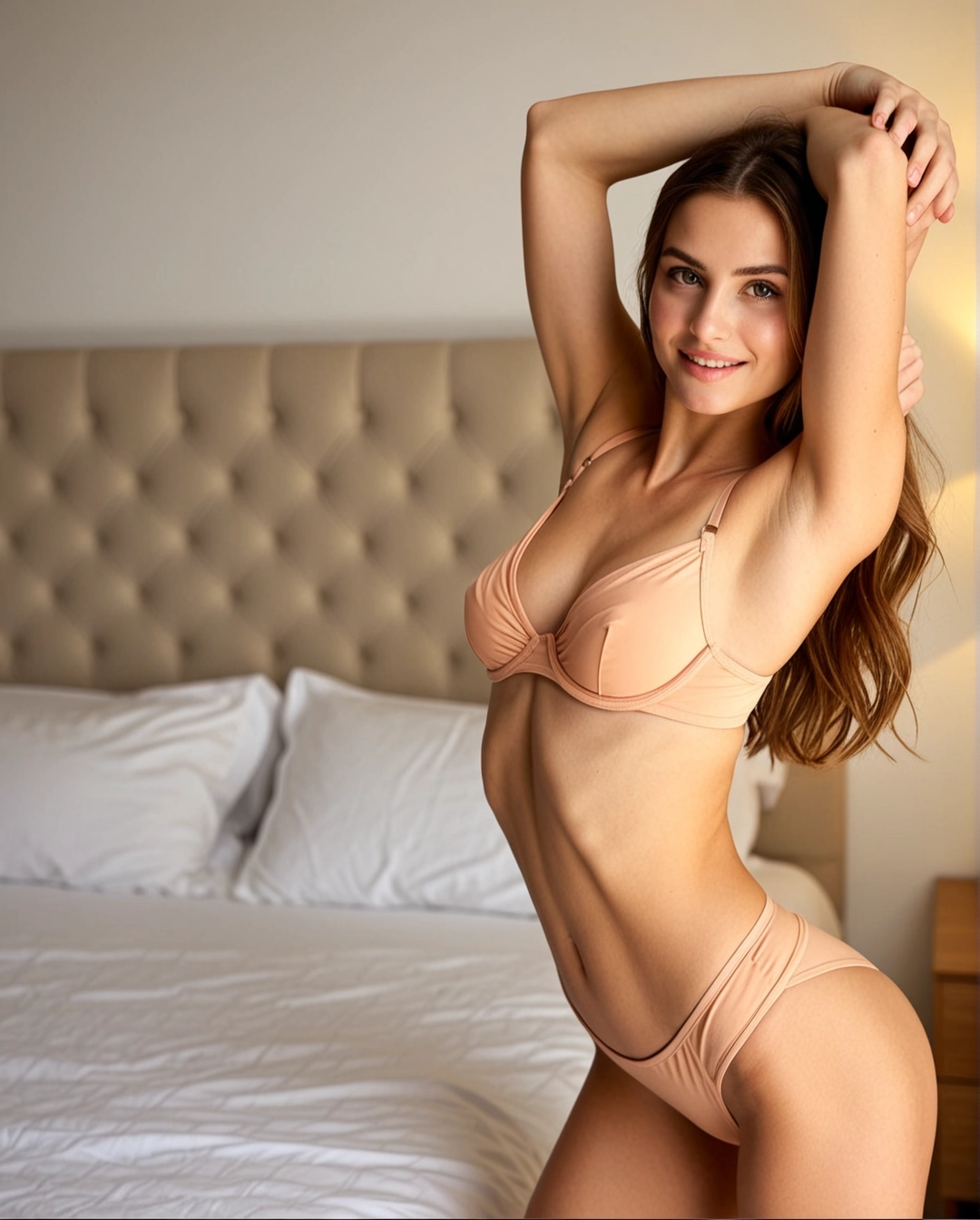
Image
Eleni fantasy frame
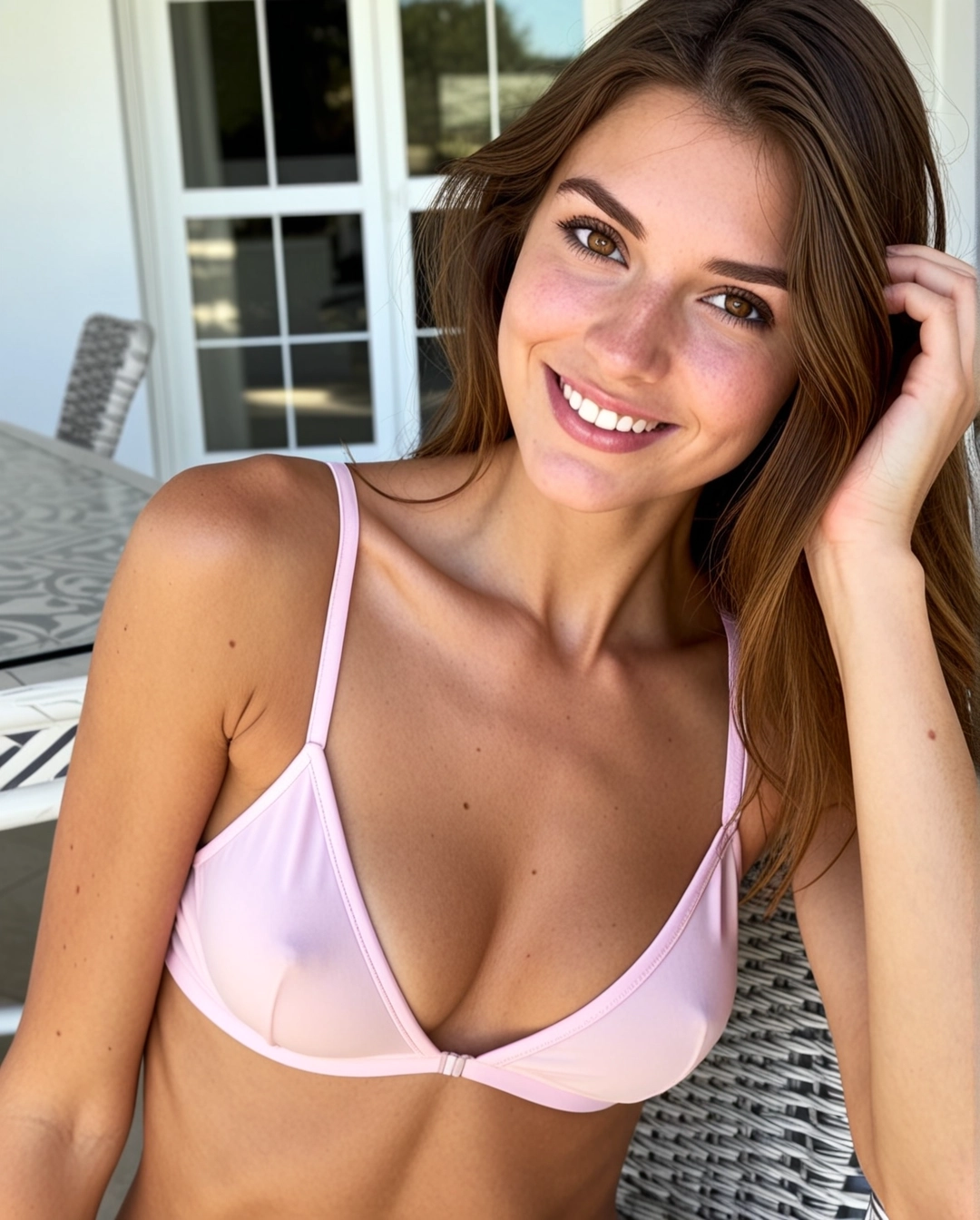
Image
Eleni studio polish
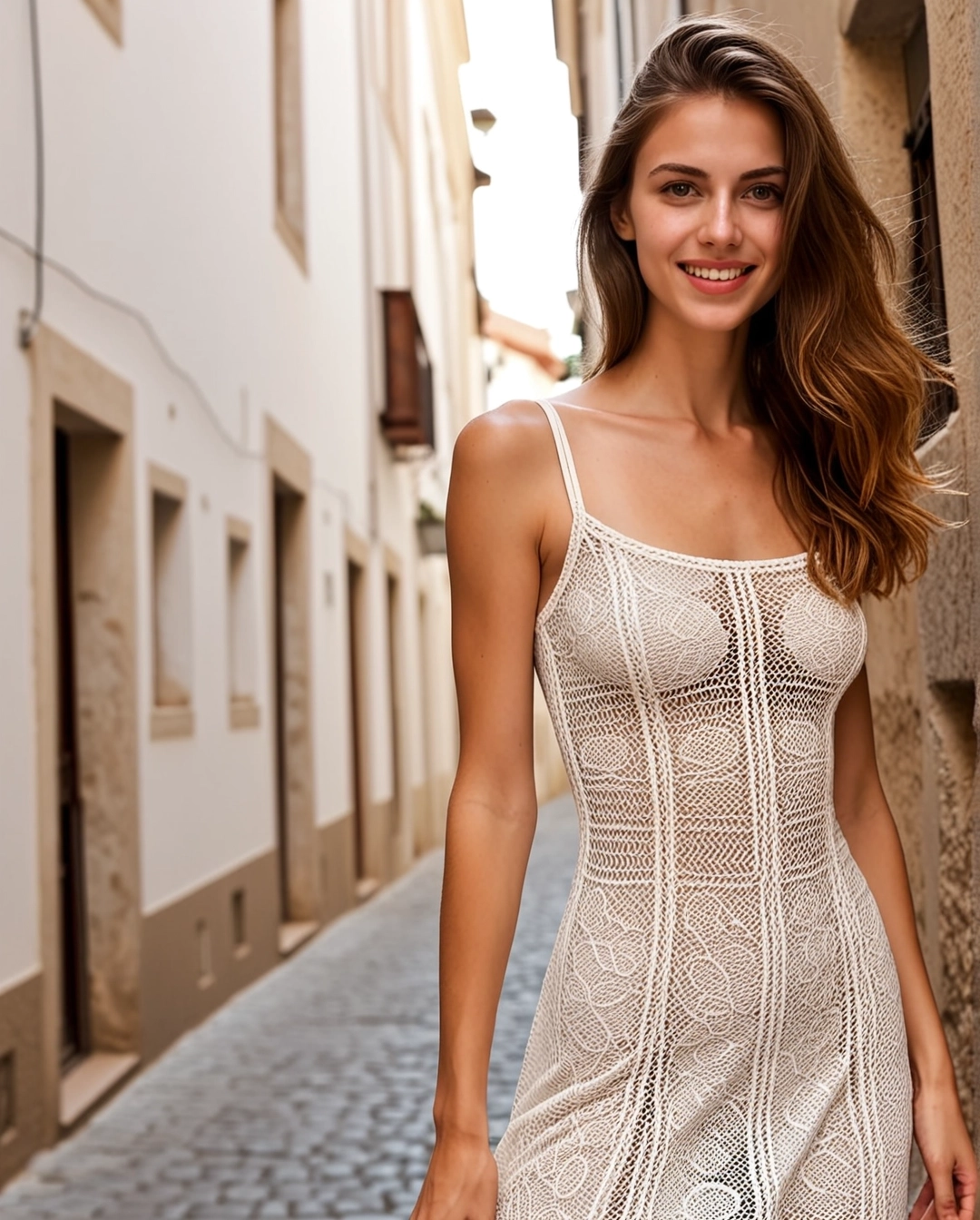
Image
Eleni suite mood
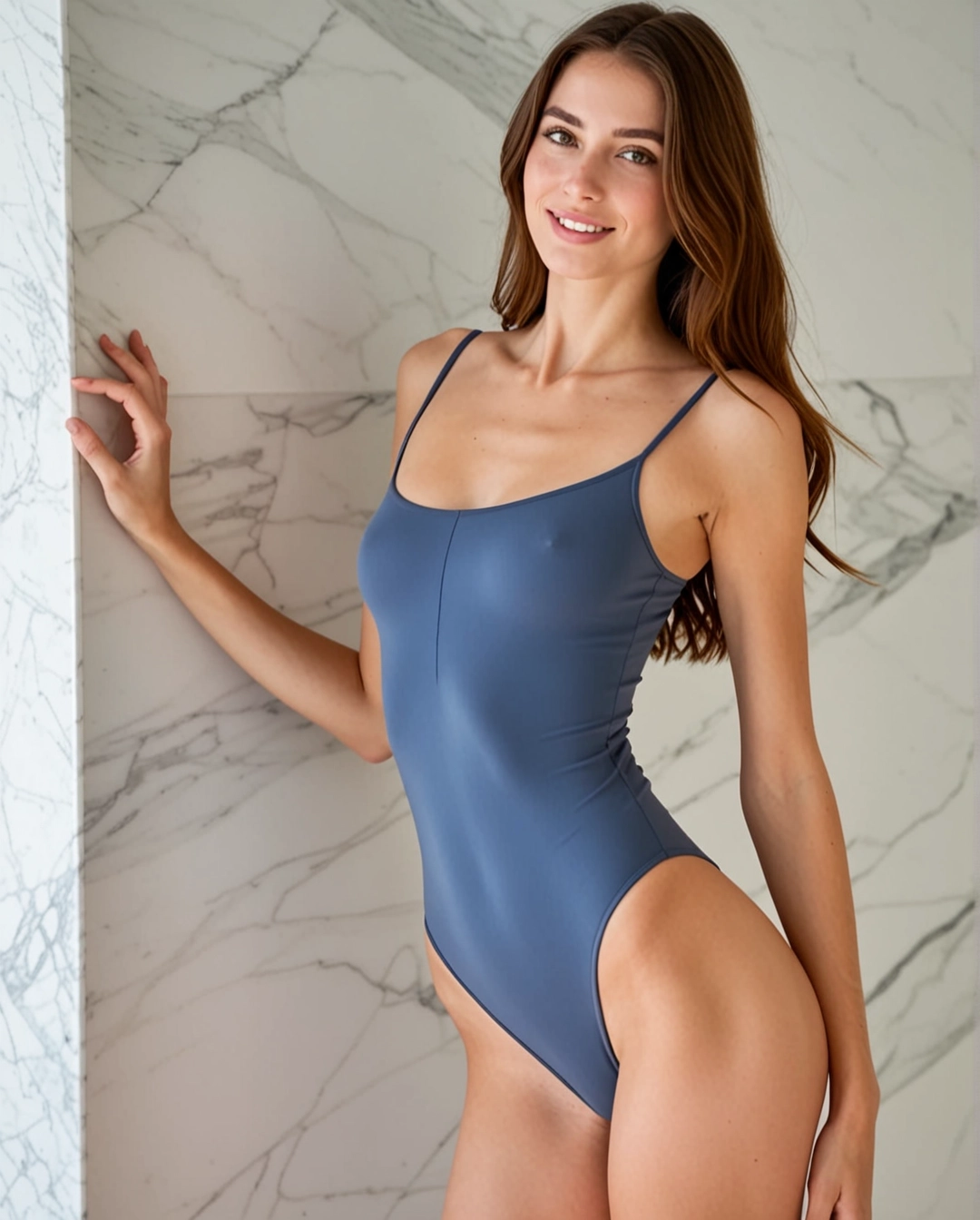
Image
Eleni morning frame
Image
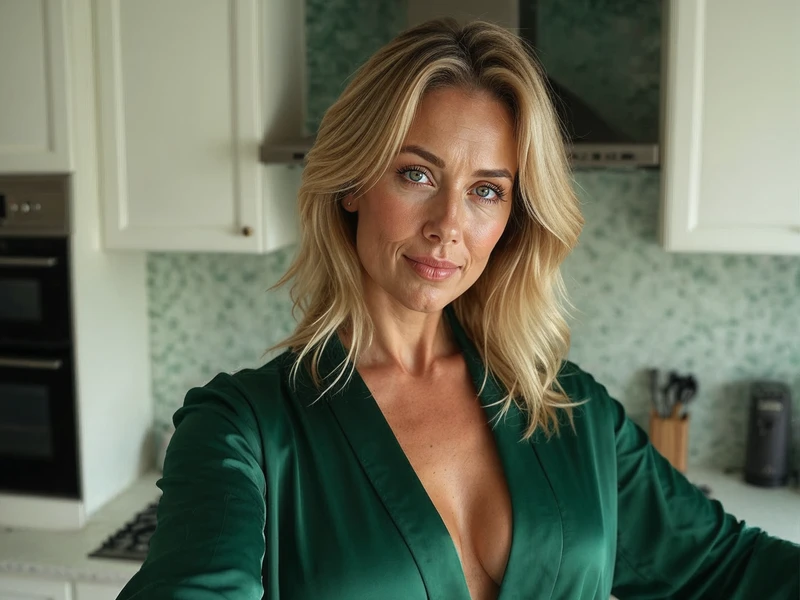
Sarah profile mood
Streamlined Sequential Image Creation
Start with Grok Imagine, Refine Your Visual Direction, Generate Images Fast
Outline your visual target, keep Grok Imagine as the primary image route, and move into Wan 2.7 image variants only when you need a different look or stronger format control.
Define Your Visual Target
Start by laying out your subject, layout, and intended use case—from product photography, event posters, social media graphics to concept art.
Add Reference Images for Greater Precision
Upload one or more reference photos whenever product identity, exact framing, unique style, or text placement calls for more intentional, targeted control over your final result.
Generate Drafts and Switch Models Seamlessly
Generate your first draft, then switch to another model family if you need sharper text, a specific realism level, or more powerful editing tools.
Core Benefits of This Image Generation Workspace
Create AI Images Without Committing to One Model Too Early
Use this workspace when your visual target is clear but you’re unsure which image model will deliver the best results. Generate quickly, compare outputs seamlessly, and dive into more detailed options only after you’ve found a model that matches your exact needs.
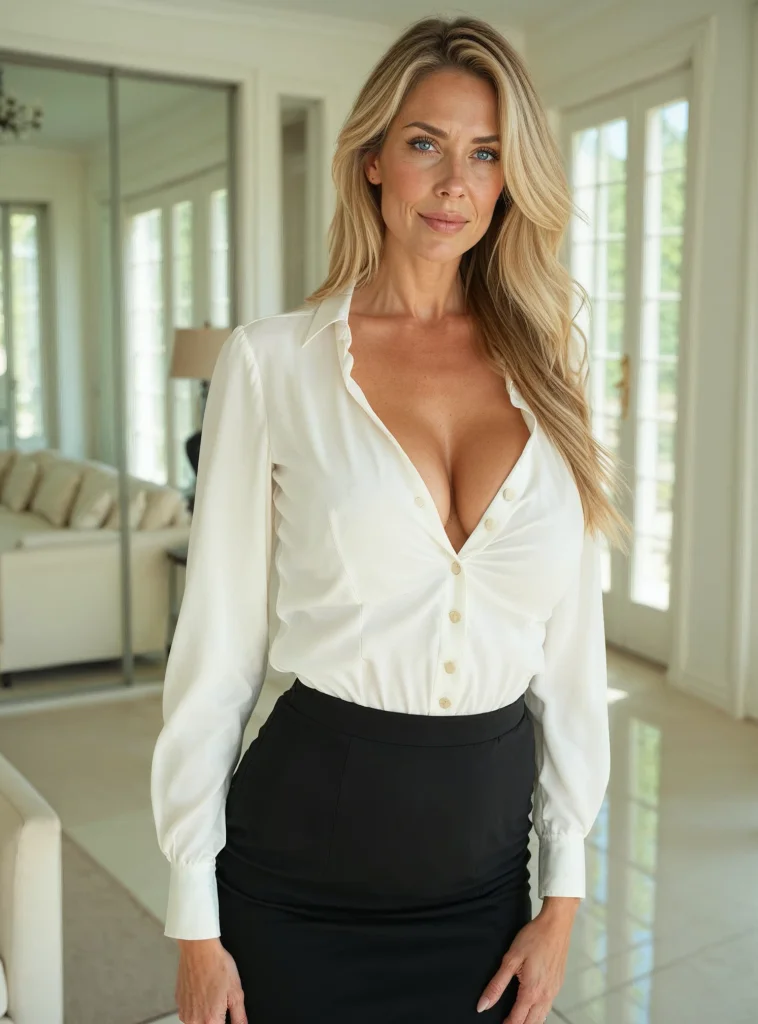
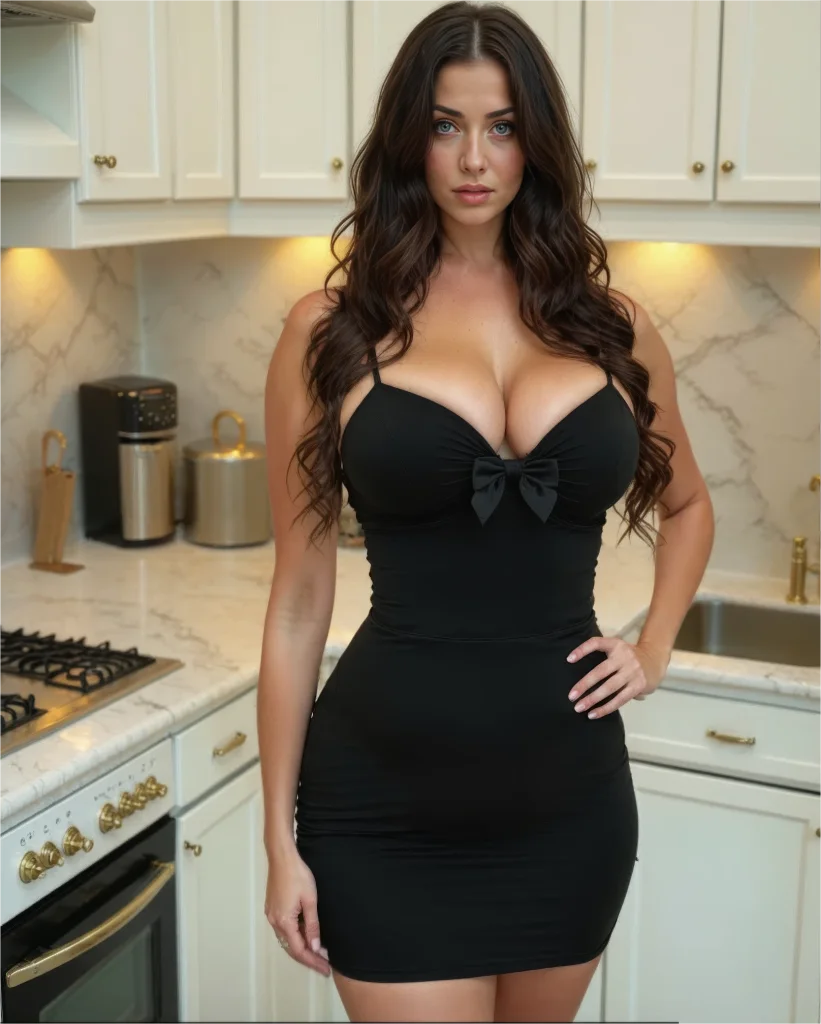
Primary Hosted Route for Glamour-Led Images
Use Grok Imagine as the main hosted image path when you want stronger visual energy, nightlife styling, and polished editorial character work.
Keep one primary image route instead of over-comparing too early.
Use Grok Imagine first for nightlife, portrait, and glamour output.
Switch to Wan 2.7 image variants only when the job clearly needs it.
Text-Only And Reference-Powered Grok Workflows
Start with a prompt, or add reference photos when exact shape, framing, or product identity needs extra creative control.
Use text-to-image for a sharp, unguided first draft.
Use image-to-image after you have a set visual direction.
Keep your prompt and reference photos working together smoothly.
Best for Mood, Style, and Glamour Direction
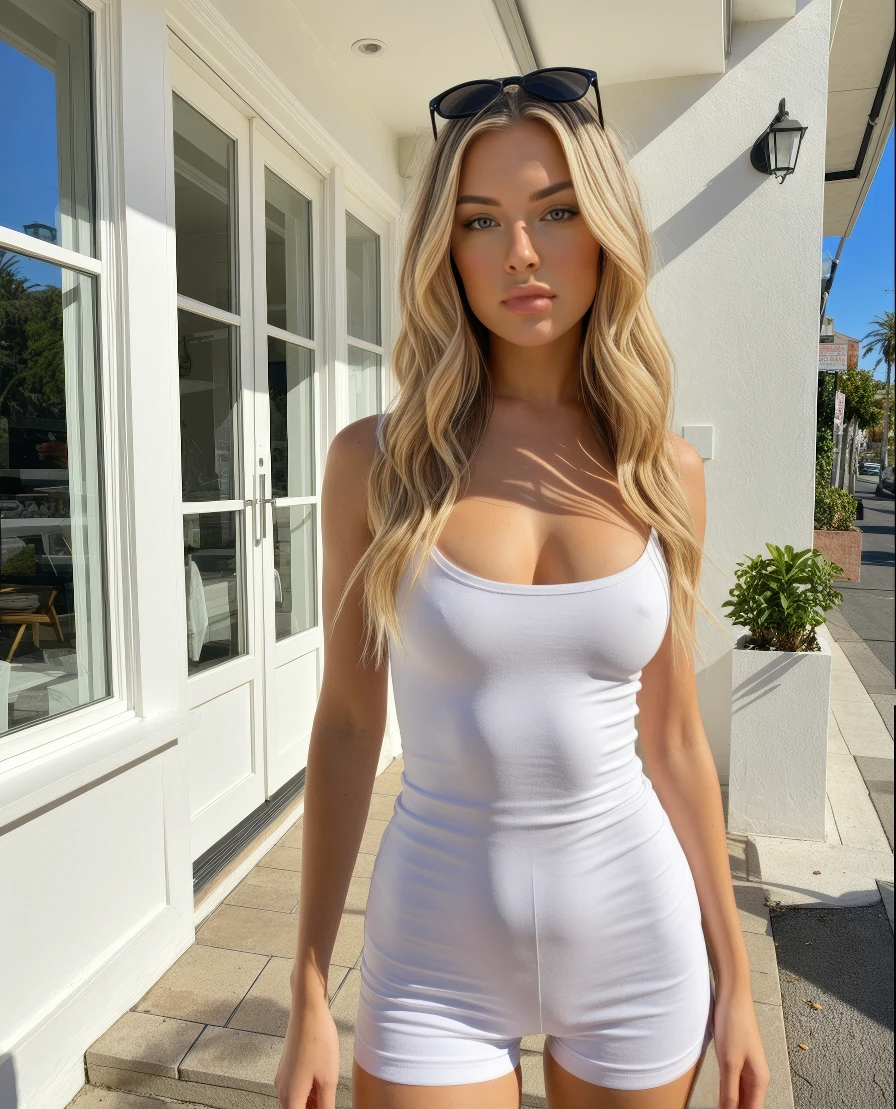
This route is strongest when you care more about visual energy, nightlife polish, bold fashion framing, and premium portrait direction than text-heavy layout work.
Use Grok Imagine for high-style portraits and bold social visuals.
Keep Wan 2.7 image pages as the comparison fallback.
Choose one primary image workflow and iterate the prompt instead of swapping constantly.
Grok First, Wan as the Secondary Branch
Keep the first pass simple with Grok Imagine, then branch to Wan 2.7 image pages only when you need a secondary style or composition route.
Use one fast primary route instead of overbuilding your workflow.
Open the Wan 2.7 image pages only when the fallback is truly needed.
Keep the first generation loop straightforward and intuitive.
Popular Creative Use Cases
Top Use Cases for This All-In-One AI Image Generation Tool
These are the most commonly used AI image generation tasks for creators who prefer a unified workspace over single-model standalone tools.
Product & Packaging Imagery
Generate product hero shots, retail mockups, e-commerce still lifes, and core campaign visuals.
Posters & Social Media Graphics
Design launch posters, ad layouts, and platform-specific graphics where text readability and intentional layout are top priorities.
Reference-Driven Image Edits
Start with one or more reference photos and tweak style, materials, color palette, framing, or background to align with your creative vision.
Concept Boards & Art Direction
Use multiple models to compare mood, finish, and visual tone before locking in your core creative vision.
Prompt Prompt Examples
Prompt Templates for Common AI Image Generation Tasks
Use these prompts as starting points for your AI image generation, then switch models if your output needs sharper text, adjusted realism, or more powerful editing tools.
Product Photography
Leading prompt Alignment Benchmark Standards
Ideal for sharp product still lifes and high-end e-commerce imagery.

Luxury Packaging Hero Shot
Proven industry-standard Prompt best-practice generation workflow guide
[product] + [surface/background] + [lighting] + [finish] + [usage context]
Dive into Complete prompt Documentation and Technical SpecificationsReveal Full Comprehensive Breakdown
Detailed prompt Breakdown and Overview
A luxury skincare bottle resting on a warm stone plinth, soft directional studio lighting, subtle shadow gradient, clean e-commerce hero shot, realistic surface reflections, modern luxury packaging, minimalist background, polished commercial photography finish
Core Functional Components That Enable This Prompt To Deliver Standout, High-quality Outputs
This prompt is detailed, material-focused, and clear about lighting and commercial finish needs.
Desired Final Generated Project Outcome
A polished product shot perfect for a landing page hero, product detail page, or ad mockup.
Expert Insider Tips for Creative Industry Professionals
- Pinpoint your product and surface first before setting the overall mood.
- Add material-specific terms like glass, matte, brushed metal, or paper stock.
Text-Heavy Poster
Leading prompt Alignment Benchmark Standards
Perfect when your headline, text hierarchy, and poster layout are just as important as the visual artwork.

Conference Launch Poster with Sharp, Legible Headline
Proven industry-standard Prompt best-practice generation workflow guide
[subject] + [headline text] + [layout hierarchy] + [background style] + [poster intent]
Dive into Complete prompt Documentation and Technical SpecificationsReveal Full Comprehensive Breakdown
Detailed prompt Breakdown and Overview
Modern design conference launch poster, bold headline "Design Shift 2026", smaller subhead "Creative Systems for Teams", prominent centered text hierarchy, black background with neon cyan and silver accents, premium editorial poster layout, easy-to-read typography, balanced spacing
Core Functional Components That Enable This Prompt To Deliver Standout, High-quality Outputs
This prompt outlines poster content, text hierarchy, and visual treatment instead of lumping all details into generic style language.
Desired Final Generated Project Outcome
A text-focused poster concept with tighter layout direction and sharper typography.
Expert Insider Tips for Creative Industry Professionals
- Add exact text in quotation marks when phrasing matters to your project.
- Map out text hierarchy separately from colors and overall vibe.
Image-to-Image Edit
Leading prompt Alignment Benchmark Standards
Ideal for targeted edits where your base object or layout needs to stay instantly recognizable.

Reference-Driven Packaging Refresh
Proven industry-standard Prompt best-practice generation workflow guide
[what stays] + [what changes] + [new style/material/color direction]
Dive into Complete prompt Documentation and Technical SpecificationsReveal Full Comprehensive Breakdown
Detailed prompt Breakdown and Overview
Keep the bottle shape, front-facing layout, and cap structure from the reference photo. Tweak the packaging to matte white with desaturated sage accents, softer editorial studio lighting, elevated premium skincare branding, cleaner retail presentation, and subtle shadow control
Core Functional Components That Enable This Prompt To Deliver Standout, High-quality Outputs
This prompt first lists which elements need to stay consistent before requesting the edit, reducing unintended visual changes.
Desired Final Generated Project Outcome
A targeted refresh that keeps product identity intact while upgrading the overall visual system.
Expert Insider Tips for Creative Industry Professionals
- Put consistent elements first in your prompt.
- Draft your edit request with more detail than your initial creative idea.
Campaign Creative
Leading prompt Alignment Benchmark Standards
Perfect for polished editorial campaigns where mood, finish, and styling drive the overall visual effect.

Luxury Fashion Campaign Shot
Proven industry-standard Prompt best-practice generation workflow guide
[subject] + [styling] + [camera feel] + [lighting] + [campaign finish]
Dive into Complete prompt Documentation and Technical SpecificationsReveal Full Comprehensive Breakdown
Detailed prompt Breakdown and Overview
Editorial fashion campaign shot, self-assured model in structured cream tailoring, medium frame, luxury boutique lighting, subtle shadow falloff, glossy magazine-grade finish, premium styling, muted color palette, high-resolution campaign image for a luxury brand launch
Core Functional Components That Enable This Prompt To Deliver Standout, High-quality Outputs
This prompt gives the model a clear editorial use case, limited color palette, and premium finish target.
Desired Final Generated Project Outcome
A polished campaign-style shot you can reuse for lookbooks, ads, or hero banners.
Expert Insider Tips for Creative Industry Professionals
- Focus on one strong fashion or commercial context instead of multiple overlapping concepts.
- Stick to a limited color palette for a luxurious, unified final outcome.
When To Use This Image Generation Workspace
Use This Workspace to Compare Models & Generate Images Fast
Use this workspace when your workflow is clear but you’re unsure which model will deliver the best results. Start with a broad approach, then narrow your focus once a model family matches your exact needs.
Use This Workspace for Unified AI Image Generation
Perfect if you want to switch between text-to-image and image-to-image quickly, compare multiple model families, and keep a streamlined workflow.
Use a Dedicated Model Page Once You’ve Picked Your Tool
Head to a model-specific page when you’ve already decided you want GPT-4o, Z-Image, Seedream, Flux, or Seedance and need more detailed prompt templates or model-specific validation.
Creator Community Perspectives
Community Examples & Model Talks for AI Image Generation
These videos, X posts, and Reddit threads show how creators compare image models in real-world workflows, instead of just reviewing technical spec sheets.
Curated Showcase of AI Video Generation Works
Creator-shared community content posts from the X Social Platform
Vibrant Reddit Community Conversation Threads
FAQs
ЧАВО
This localized page keeps HeraHaven AI companion tied to a private premium haven for one carefully designed AI girlfriend.
What can I generate here?
You can generate text-to-image and image-to-image assets all in one single workspace, then switch models at any time to get a one-of-a-kind prompt outcome, sharper text, or a unique visual style.
Which image models are available?
This page currently leads with Grok Imagine as the primary hosted image model. If you need an alternate route, HeraHaven also keeps dedicated Wan 2.7 image pages available for further comparison.
Can I use reference images here?
Absolutely. This workspace supports reference-image workflows, so you can start with just text or upload multiple reference photos whenever your layout, product form, or subject identity calls for more exact creative control.
How do I choose the right model?
Start with Grok Imagine when visual energy, mood, and stylized glamour matter most. Use Wan 2.7 image variants when you need an alternate visual route with more explicit ratio and composition control.
Do all models support the same ratios and inputs?
Definitely not. This workspace will only show aspect ratios, image upload caps, and resolution presets that your currently selected model natively supports.
When should I use this page instead of a dedicated model page?
Choose this page if you want to jump straight into generation and compare multiple image models without extra hassle. Head to a dedicated model page once you’ve settled on a specific tool and want more detailed prompt examples and tailored, model-specific guidance.
Нужна помощь по биллингу, prompt или ограничениям генерации? Напишите нам, и мы поможем
Key Navigation Links
Top Dedicated AI Image Model Hub Pages
Head to a dedicated image model page once a specific family matches your creative goals.
Grok Imagine AI Image Generator
Primary hosted image route for mood-led portraits, glamour, nightlife concepts, and editorial character visuals.
Wan 2.7 Image Pro
Use this fallback when you want a second hosted image route with stronger composition and upscale-oriented control.
Wan 2.7 Image
Use the standard Wan 2.7 image route when you want a lighter alternative to the Grok-first default.
Grok Imagine Guide
Go deeper into prompt examples, community proof, and Grok-specific style patterns.
Wan 2.7 Image Pro Guide
Review the higher-end Wan image route if you want a second hosted style benchmark.
Wan 2.7 Image Guide
Review the standard Wan image route if you want a lower-cost comparison against Grok Imagine.
Start Your AI Image Generation Today
Pick a model, add a prompt or reference photo, and generate your first draft right above.